
This year’s US Open Tennis Championships had some incredible moments, including Ben Shelton’s five-set upset of Carlos Alcaraz in a match that didn’t end until 3:33 in the morning.
But for me, the most exciting thing was something I saw off the court.
Roughly half the devices connected to the Wi-Fi network at Arthur Ashe Stadium were using 6 GHz.
Okay, I’m a Wi-Fi geek. But hear me out.
It’s no secret that sports venues want more wireless capacity. We’ve been working to squeeze more performance out of limited Wi-Fi spectrum for years.
Now we have 6 GHz, which gives us more than twice as much spectrum as 5 GHz. The technology has been available for several years, and as we saw at Arthur Ashe, plenty of fans already have devices capable of using it. Yet as I travel around the world visiting stadiums and other large venues, I’m surprised by how few are using it.
What’s slowing the adoption of 6 GHz?
I think there are two main concerns: the cost of upgrading equipment; and the possibility that newer security requirements will prevent older devices from connecting.
Both are legitimate. I’ve encountered them myself. But I also think there are practical ways around them, and venues may be making the decision more complicated than it needs to be.
More spectrum means more room
First, it’s worth understanding why 6 GHz is such a big deal.
Wi-Fi uses radio frequencies to transmit data between devices and access points. Those frequencies are organized into channels, and devices sharing a channel have to compete for opportunities to transmit.
In a stadium with tens of thousands of people, that becomes a real challenge. Hundreds or thousands of access points are serving people who are all doing different things, often at the same time.
For years, we’ve been trying to squeeze more capacity out of the available spectrum, particularly the 5 GHz band.
Then 6 GHz came along.
In the United States, the full 6 GHz allocation gives us 1,200 MHz of spectrum, more than twice the spectrum available at 5 GHz. That’s a lot more channels to work with, although the exact amount available depends on where and how the network operates, particularly outdoors.
And here’s something I think people sometimes overlook: The more devices we move to 6 GHz, the better 5 GHz gets.
Every device that moves onto the new band takes some of the load off the old one. That means less contention for the devices still using 5 GHz.
We’re improving capacity on both sides.
Of course, having more spectrum doesn’t automatically mean a network performs better. You still have to design and configure it properly. But for those of us who’ve spent years engineering Wi-Fi in very crowded environments, it’s a tremendous opportunity.
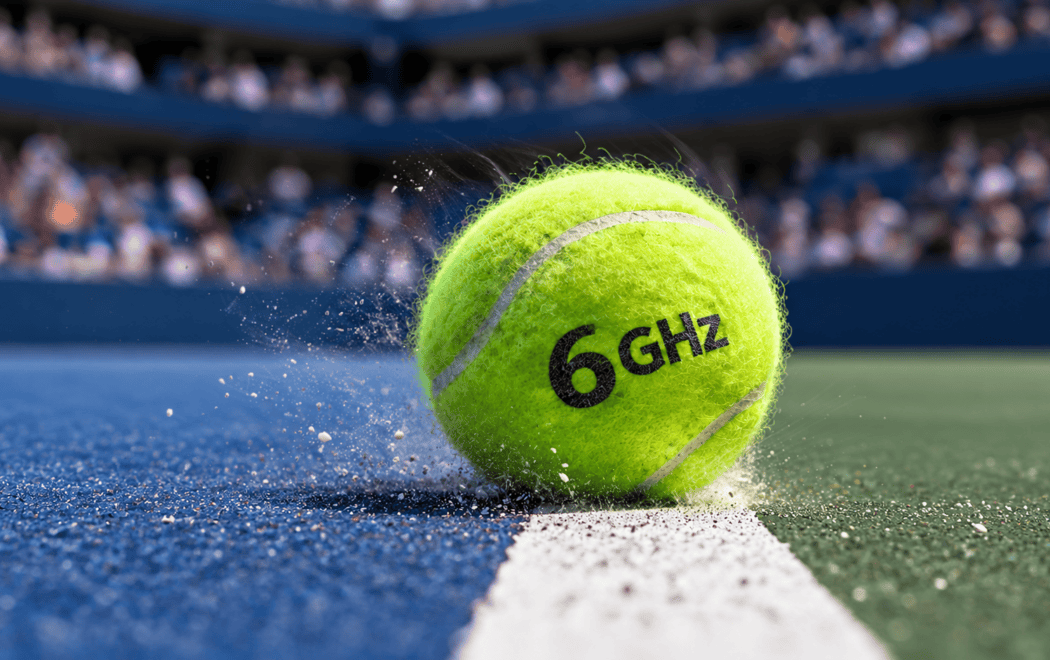
One small clarification, because I hear this confused occasionally: 6 GHz Wi-Fi isn’t 6G cellular. The former refers to a radio-frequency band used by Wi-Fi. The latter refers to a future generation of cellular technology.
We’re talking about Wi-Fi, and specifically about giving it considerably more room to operate.
Why the extra capacity matters
I’ve been spending a lot of time lately looking at something that doesn’t always get enough attention: upload performance.
For years, people have tended to judge network performance by download speeds. How fast can I stream a video? How quickly can I download something?
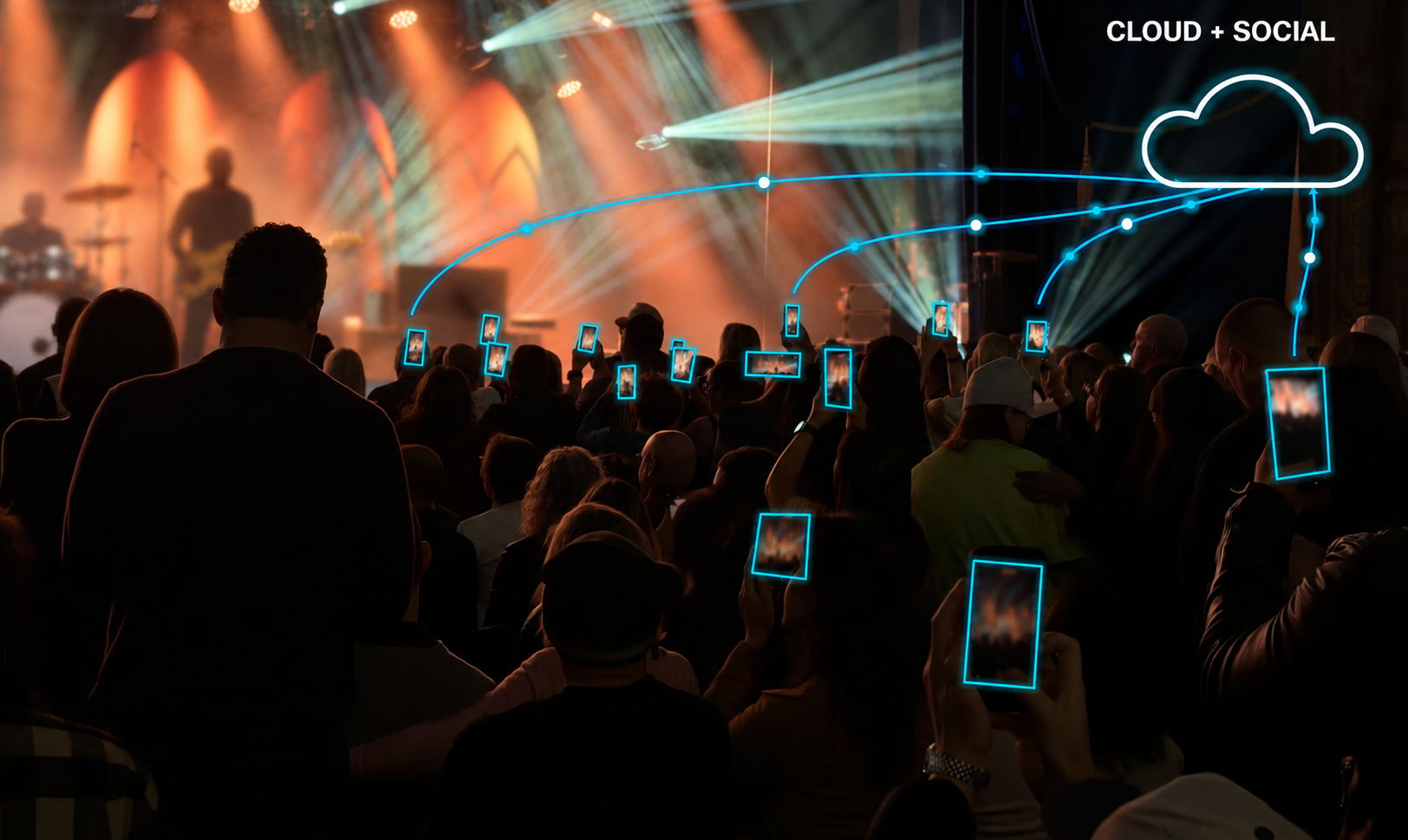
But think about what people actually do at a stadium or concert. Something exciting happens, and suddenly thousands of phones are in the air. Everybody’s recording the touchdown, the winning goal or their favorite song, and then sending that video to people who aren’t there.
All that data is going up, not down.
In many of the large venues where I work, I’m seeing upload traffic exceed download traffic.
I saw it recently at a concert in Brooklyn. The theater was nearly 100 years old, with poor cellular reception inside—a common occurrence with older buildings with thick, solid walls. I was testing the networks using Orb, an app that measures speed, responsiveness and reliability.

At essentially the same location, I measured a cellular upload speed of 1.28 megabits per second. On Wi-Fi, I got 134 Mbps.
That’s more than 100 times faster.
And approximately 60 percent of the venue’s Wi-Fi traffic was upstream.
Now, that Wi-Fi connection was using 5 GHz, not 6 GHz. So this wasn’t a demonstration of the newer band. It was a demonstration of how valuable a well-designed Wi-Fi network can be, particularly when cellular upload performance is constrained.
I’ve seen similar differences at major sporting events. Cellular networks can deliver incredible download speeds, especially at something like the Super Bowl, where carriers invest heavily in temporary and permanent infrastructure. But in my experience, Wi-Fi often has an advantage when it comes to uploading in these dense environments.
That’s what makes 6 GHz so interesting.
With more available spectrum and less contention, we can potentially move data more efficiently. Wider channels can help devices finish transmitting sooner, freeing up airtime for somebody else.
I call that fast on, fast off. Get the data through, get off the channel, and let the next person use it.
When you’ve got thousands of people uploading videos, that efficiency matters.
Is WPA3 really holding us back?
One reason I think venues are hesitant to adopt 6 GHz is concern about security compatibility.
The newer spectrum comes with newer security requirements. For authenticated 6 GHz networks, that generally means WPA3, the successor to WPA2. Password-free public networks can use another modern security method called Enhanced Open.
That may sound like a minor technical detail, but I understand why it worries people.
Imagine you’re operating a stadium and somebody suggests changing the security configuration of your wireless network. What happens if the ticket scanners stop working? Or the point-of-sale terminals? Or some other device that the building depends on?
Nobody wants to be responsible for creating that problem.
But here’s what I’ve found in practice: Most modern devices already support WPA3, and the exceptions are manageable.
I was at Dreamforce in San Francisco earlier this year, working with a team to examine the devices connecting to the conference network.
As I recall, approximately 99.7 percent were WPA3-capable. The exceptions were primarily older devices, including scanners.
I’ve seen the same sort of thing at major sporting events.
At the Super Bowl LX at Levi’s Stadium, we encountered some older laptops that didn’t support WPA3. Some belonged to members of the media who had rented computers for the event. At the US Open, we ran into a couple of similar situations.
Did we have to deal with them? Sure.
Was it a catastrophe? Not even close.
At one event, we provided wired connections. At another, we accommodated the older devices on a separate network.
And that’s really my point.
A stadium’s ticket scanners and point-of-sale terminals generally aren’t sharing the same wireless network as fans anyway. If certain operational devices still need WPA2, you can maintain an appropriately isolated network for them.
You don’t have to let a handful of older devices determine the security technology available to everybody else.
I’d encourage operators to look closely at their actual device population, test compatibility and see where they can introduce modern security safely.
The transition requires planning, particularly for public networks using Enhanced Open, but it doesn’t have to be the obstacle some people imagine.
You don’t have to replace 2,000 access points tomorrow
The other reason I suspect adoption is moving slowly is capital expense.
And this one I completely understand.
Let’s say you replaced your stadium’s access points three years ago. They’re Wi-Fi 6 devices, they’re working fine, and your normal replacement cycle is five or six years.
Now somebody comes along and tells you that you need Wi-Fi 6E or Wi-Fi 7 access points to take advantage of 6 GHz.
Are you really going to replace 2,000 perfectly functional access points just because something better is available?
Probably not.
But why does it have to be all or nothing?
Maybe the best place to start is a premium club. Maybe it’s a group of suites, a press box or another area where demand is especially high and connectivity isn’t meeting expectations.
Instead of replacing every access point in the stadium, replace the ones serving that area and introduce 6 GHz there.
You can continue using 5 GHz in the rest of the building.
There are some engineering considerations, of course. You want devices to move smoothly between coverage areas, and you need to pay attention to channel widths and security configurations. I’ve seen devices hang onto a distant 6 GHz connection when a much better 5 GHz connection was available nearby.
But we’ve tested ways to manage those issues.
The important thing is to treat an incremental deployment as an engineering project, not simply swap out equipment and hope for the best.
For an owner, this opens up a different conversation.
Instead of asking whether the stadium can afford to replace its entire wireless network, ask where additional capacity would provide the greatest benefit.